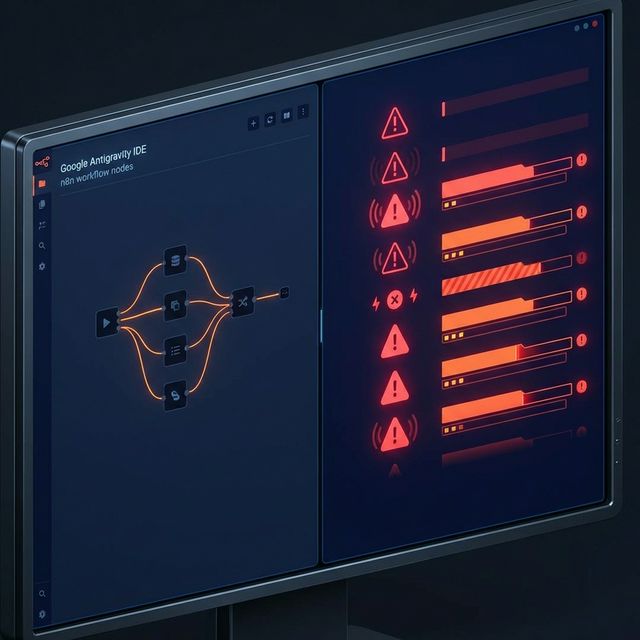
Google Antigravity arrived in November 2025 and immediately redefined what an IDE could do. Autonomous agents that plan, execute, and verify across editor, terminal, and browser. Parallel task execution. Skills that load specialised knowledge on demand. For developers building web applications, APIs, and infrastructure, it was a genuine leap forward.
Then people pointed it at n8n.
The results were predictable if you understand how generalist AI models interact with domain-specific tools. Antigravity produced workflows that looked structurally correct — the right nodes in roughly the right order — but fell apart on execution. The details were wrong. And in n8n, the details are everything.
The Pattern of Failure
Across n8n community forums and developer discussions, the same failure modes appear repeatedly when AI tools attempt to build workflows without domain context. Understanding these patterns is the first step toward fixing them.
Expression syntax that silently breaks. n8n expressions look like JavaScript. They are not JavaScript. The resemblance is close enough that a generalist AI model will generate expressions using standard JS patterns — and close enough that those expressions will sometimes work. Sometimes. The failures are the dangerous ones: expressions that evaluate without throwing an error but return incorrect data.
Display Options ignored entirely. n8n nodes use Display Options to conditionally show or hide configuration fields based on other selections. When you choose "Send a Message" in the Slack node, different fields appear than when you choose "Update a Message." Antigravity, without specific n8n knowledge, does not account for this dependency chain.
Credential handling that looks right but is not. Each n8n node type expects credentials in a specific format tied to the node's internal credential type identifier. Antigravity generates credential references that match the service name but not the exact type string n8n requires.
Data shape mismatches between nodes. Different n8n nodes output data in different structures depending on which operation is selected. A Google Sheets node returning rows produces a different output shape than one appending rows.
Why This Happens
This is not an Antigravity problem. It is a context problem. Antigravity's agent architecture is built for generalist software development — reading codebases, understanding APIs, generating application code. When it encounters n8n, it treats node configurations the way it treats any JSON structure: infer the pattern from available examples and generate accordingly.
The difficulty is that n8n's configuration surface is wider and more nuanced than most JSON schemas. Over 1,084 nodes. Hundreds of operations per node category. Display Options that create conditional dependency chains three or four levels deep.
What ag8n Changes
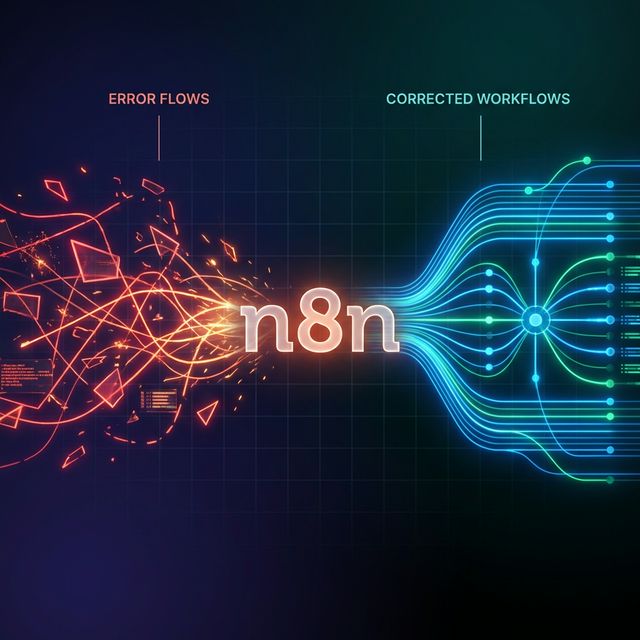
ag8n approaches this problem from two directions simultaneously. The MCP server gives Antigravity structured access to n8n's complete node ecosystem — every property, every operation, every schema. The skill pack teaches it what to do with that access.
The MCP connection alone is a significant upgrade. Instead of inferring node configurations from training data, Antigravity can query the actual schema for any node in real time. It knows what a Slack node requires because it can look up the exact input schema, not because it remembers an approximation from its training corpus. This covers 1,084 nodes — 537 core and 547 community — with 99% schema coverage.
Expression Mastery teaches the agent how n8n expressions actually work — the specific deviations from standard JavaScript, the data access patterns that fail in branching workflows, the debugging approaches for silent failures.
Node Expert handles the Display Options problem directly. The skill encodes the conditional dependency chains that determine which fields are visible and required for each operation type.
Validation Debugger enforces a structured validate-then-fix loop. Before any workflow reaches production, the agent checks its own work against known configuration patterns.
The Two-Mode Architecture
ag8n operates in two modes. Mode 1 — Knowledge Base — requires no API key. Antigravity gets structured access to every node schema, every template, and full documentation. This mode is zero-risk: no changes to your n8n instance.
Mode 2 — Workflow Management — adds your n8n API key and unlocks operational capability. The agent can create workflows, push them to your instance, execute them, view results, and manage versions.
Getting Started
ag8n requires Google Antigravity (free during public preview) and Node.js. Install the MCP server, add the configuration to Antigravity, and the connection is live. The skill pack loads automatically. Five minutes from download to your first validated workflow.
£9.95. One-time purchase. No subscription. Zero telemetry. Your n8n data stays on your infrastructure.
Stop Fixing AI-Generated Workflows Manually
ag8n gives Antigravity the domain knowledge to build n8n workflows that validate before they deploy. MCP server + 14 expert skills. £9.95. No subscription.
Get ag8n — £9.95