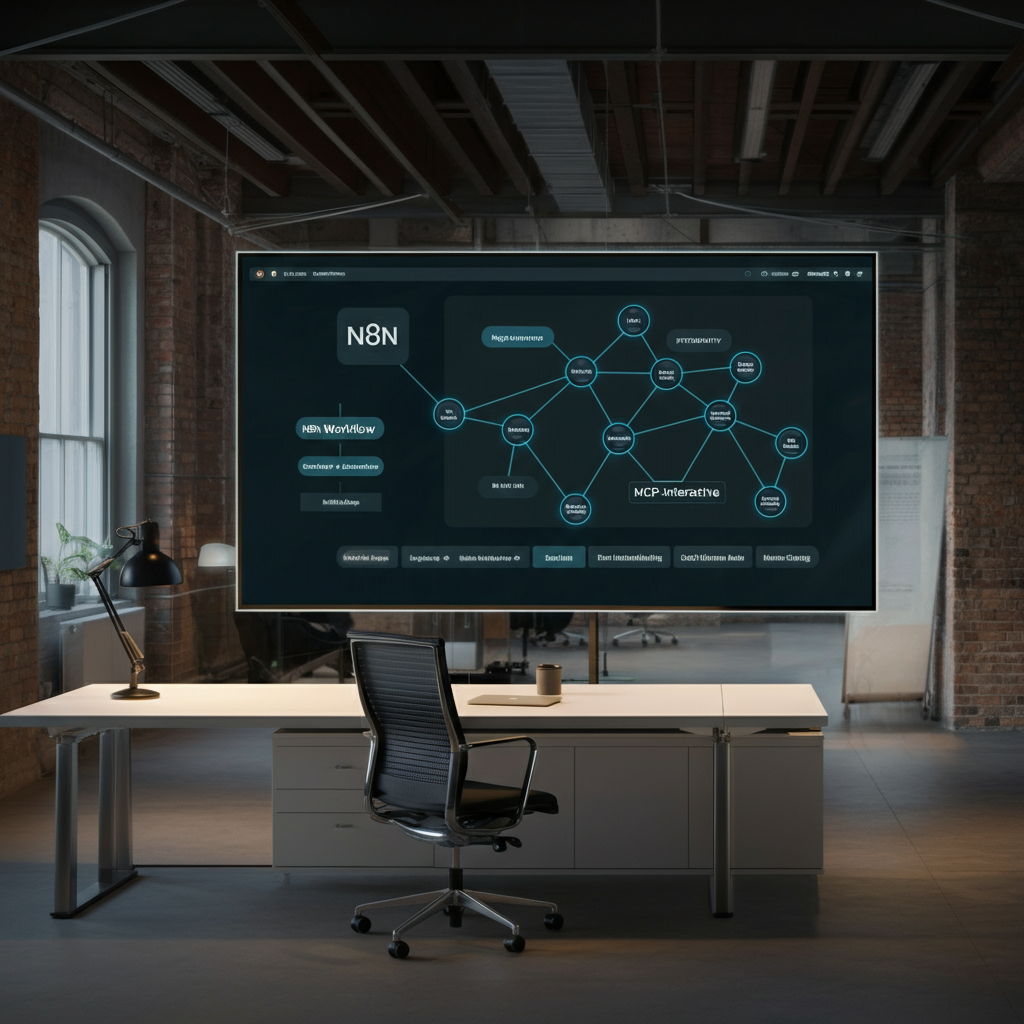
How to Build N8n Workflow with Google Antigravity and Mcp-interactive
Understanding the Power of N8n Workflow Automation
What Is an N8n Workflow?
N8n workflow refers to the visual, programmable automation flows built using the n8n open-source integration platform. This tool enables users to connect disparate apps, services, and APIs to eliminate repetitive tasks—without requiring extensive coding expertise. Every automation consists of nodes, which represent triggers, actions, and decisions. For instance, this approach can collect email leads, enrich them from a Google Antigravity data source, and distribute them to a CRM—all triggered by an inbound contact form submission. This versatility gives businesses unparalleled control over internal processes and streamlines multi-step automation, leading to considerable time and cost savings. The platform’s modular structure allows you to adapt sequences as business needs evolve, making it invaluable for forward-thinking teams. discover advanced n8n integrations
How do I build an n8n workflow with Google Antigravity?
To build an n8n workflow with Google Antigravity, set up API credentials in your n8n instance. Next, connect the Google Antigravity nodes and configure them based on your automation needs. This approach streamlines integration, optimising your workflow for efficiency.
What is MCP-interactive for n8n?
MCP-interactive for n8n is a protocol that allows real-time data processing and automation of tasks. It provides seamless integration with various APIs, enabling developers to build advanced workflows. Understanding this protocol enhances your ability to optimise n8n workflows dramatically.
Setting Up Google Antigravity in Your N8n Workflow
API Credentials and Initial Integration
To integrate Google Antigravity with your automation process, you must first secure the necessary API credentials from your Google Cloud account. Start by navigating to the Google Cloud Console and creating a new project specifically dedicated to automation. Enable the Antigravity API, generate OAuth2 credentials, and securely store the client ID and secret. Next, within n8n, create a new credential entry to store these keys. The n8n UI guides you through authorising access, ensuring secure, encrypted data transfers between your setup and Google Antigravity. Proper configuration at this stage ensures seamless communication, enabling the sharing of critical business data. This step also lays the groundwork for sophisticated actions—facilitating everything from automatic data tagging to compliance monitoring, which is vital for UK data protection requirements.
How can I automate multiple processes in n8n?
You can automate multiple processes in n8n by creating a series of nodes that define each step in your workflow. This modular approach lets you connect various actions and triggers, streamlining complex tasks. Consequently, your workflow becomes more efficient and manageable.
Why should I use n8n workflow for API integration?
Using n8n workflows for API integration enables smoother connections between services and allows automation of repetitive tasks. It supports nearly any API, offering flexibility in designing workflows tailored to your needs. This efficiency can significantly reduce manual effort in your processes.
Adding MCP-interactive for Enhanced Automation
Configuring Advanced Workflow Nodes
After integrating Google Antigravity, MCP-interactive can further unlock automation capabilities in your process map. MCP-interactive acts as an orchestration layer, allowing you to embed advanced business logic, schedule variable task runs, and visualise real-time progression. Begin by installing the MCP-interactive node package within n8n, ensuring compatibility with your instance version. Configure credentials for MCP Interactivity, referencing secure vault storage for authentication. Once connected, create automation nodes for tasks such as triggered notifications, complex data parsing, or conditional API requests. Additionally, MCP-interactive modules allow for granular task retries, escalation policies, and detailed logging. These functionalities collectively enhance your solution's resilience and flexibility. For more details on increasing workflow efficiency, see follow our automation protocol guide.
Which best practices should I follow for an n8n workflow?
Following best practices for your n8n workflow includes using descriptive names for nodes and maintaining clear connections. Regularly testing and optimising your workflows ensures they run smoothly and efficiently. Moreover, these practices facilitate easier troubleshooting and enhancements in the future.
When is it beneficial to use the MCP protocol in n8n?
Using the MCP protocol in n8n is beneficial when you need to automate complex interactions that require real-time data processing. It empowers workflows to handle multiple API calls and triggers seamlessly. Consequently, this enhances workflow robustness and reduces latency in task execution.
Error Handling and Workflow Reliability
Minimising Failures and Ensuring Scalability
Error handling is an essential consideration when configuring automations with integrations like Google Antigravity and MCP-interactive. Utilise conditional nodes to capture failed API responses, implement fallback logic, and set up notifications for administrators in case of recurring issues. Properly configured error paths prevent automation failures from cascading into major service disruptions. Additionally, asynchronous processing options provided by MCP-interactive assist in reducing bottlenecks during periods of high demand. For scalable reliability, regularly review the execution metrics and investigate any recurring error codes. Coupling robust handling with proactive monitoring ensures your flows remain dependable as your organisation grows. For advanced error patterns in automation platforms, visit explore workflow best practices in n8n.
Testing and Debugging Your N8n Workflow
Best Practices for Troubleshooting
Testing is pivotal to launching error-free automations. Start by validating each node within your integration setup individually, using the built-in debugging pane. Trace data mapping through each segment, checking for issues such as invalid credentials, unexpected payload formats, or misconfigured triggers. The logging capabilities within n8n allow real-time activity analysis, making it easier to pinpoint bottlenecks or failure points. When dealing with external services like Google Antigravity, always check API quota statuses and error messages for clues. Ultimately, regular test runs and proactive validation will ensure your automations remain reliable across diverse business scenarios. For further support, explore hands-on community examples at see comparative API integration methods.

Scaling Automation for UK Businesses
Real-World Use Cases
As UK organisations adopt digital transformation strategies, automated solutions streamline critical operations—from finance and HR to marketing. For instance, a London-based law firm might use a visual automation flow to route scanned documents through Google Antigravity’s text recognition before archiving them in a case management solution. Similarly, e-commerce businesses automate stock level updates across suppliers, reducing out-of-stock scenarios and improving customer satisfaction. Real-world adoption reveals the scalability of these tools, allowing even SMEs to harness automation benefits previously only accessible to large corporations. This universality, combined with transparent operational costs and GDPR compliance, is transforming the UK business landscape.
API Integration Challenges and Solutions
Overcoming Common Workflow Obstacles
Despite its flexibility, integrating multiple APIs within an automation solution can present unique challenges. Issues include inconsistent data formats, rate limits, and sporadic authentication failures, especially with platforms such as Google Antigravity. To overcome these, leverage built-in n8n functions for data transformation and normalisation. Consider introducing delay nodes to respect API rate limits and using MCP-interactive to queue tasks intelligently. Maintain thorough documentation of all external endpoints, and regularly refresh access tokens to mitigate downtime. By anticipating common obstacles, you ensure sustained performance and user satisfaction.
AI Workflow Benefits with Google Antigravity and MCP
Streamlining Automation with AI
Modern process automations can harness AI-driven capabilities by leveraging Google Antigravity’s advanced machine learning models in tandem with MCP-interactive orchestration. For example, integrating natural language processing for customer support tickets automates categorisation and prioritisation. Simultaneously, MCP-interactive facilitates adaptive triggers—modifying flow behaviour based on evolving data trends. Furthermore, these AI-powered automations reduce manual intervention, minimise errors, and allow staff to focus on strategic tasks. The result is a noticeable uplift in productivity, accuracy, and business agility.
Community Insights: N8n Workflow Experiences
Discussion and Shared Solutions
The n8n user community remains an indispensable resource for both novices and experts. Participating in dedicated forums and attending user group events exposes you to practical techniques, real-world troubleshooting, and innovative automation ideas. Community-led projects often provide templates for automating UK-specific business processes, driving adoption and confidence. For example, users regularly share best practices for incorporating Google Antigravity into data-driven automations, while others publish custom MCP-interactive node scripts for unique business use-cases. By engaging with this vibrant ecosystem, you accelerate learning, avoid common pitfalls, and maximise the return on your automation investment.
Advanced N8n Workflow Best Practices
Tips for Future-Proof Automation
To truly future-proof your automated processes, focus on modularity, comprehensive documentation, and continuous improvement. Structure your systems so that each functional segment can be updated independently, making future integration of new APIs a seamless process. Document not only technical architecture but also business logic rationale, ensuring transitions are smooth should team members change. Schedule regular audits of your automated routines, pinpointing redundancies or outdated configurations. Additionally, proactively explore new n8n releases for enhanced security and compatibility features. In a rapidly evolving digital landscape, adaptability remains the hallmark of top-tier automation design.
“When designed with both Google Antigravity and MCP-interactive, n8n workflows deliver unmatched automation potential—empowering UK organisations to work smarter, not harder.”
Conclusion: Building Robust N8n Workflows
Implementing a well-architected n8n workflow, enriched by Google Antigravity and MCP-interactive, unlocks lasting operational improvements. From seamless API integration and comprehensive error management to scalable AI-powered automations, these solutions are transforming how contemporary UK businesses compete and thrive. By embracing best practices, leveraging community resources, and continually testing and refining workflows, organisations ensure long-term automation success while remaining agile against industry change.
Great guide on How to build n8n workflow with Google Antigravity and MCP-interactive — Community Feedback
How can I automate workflows in n8n reliably?
You can automate workflows in n8n reliably by leveraging robust triggers, error handling nodes and integrating advanced tools like Google Antigravity and Model Context Protocol in your n8n workflow. These steps ensure workflows run smoothly, minimise failures, and maintain scalability for future expansion.
How do I integrate APIs with n8n and AI workflows?
Integrating APIs with n8n and AI workflows involves configuring HTTP Request and Webhook nodes, connecting APIs like Google Antigravity, and optimising with MCP-interactive nodes. This systematic process enables seamless data flow, AI-driven decisions, and end-to-end workflow automation within the n8n platform.
In This Article
- N8n workflow automation centralises, streamlines, and enhances business processes
- Integrate Google Antigravity and MCP-interactive for dynamic, scalable solutions
- Robust error handling and regular testing ensure reliability in complex automations
- Community participation greatly accelerates workflow mastery and innovation
- Ongoing optimisation future-proofs workflows for UK enterprise agility